Your Apple gear, unlocked on Android.
Universal Apple Hardware Interoperability Suite for Android. Case-open pop-ups, live battery, noise control and the Apple-only extras for AirPods, Beats, Apple Watch, AirTag and HomePod — on the phone you already own.
- 100%
- User-Space
- Zero
- Root
- Zero
- Magisk
- Zero
- iOS VM
What iNA unlocks
The iPhone AirPods experience, on Android.
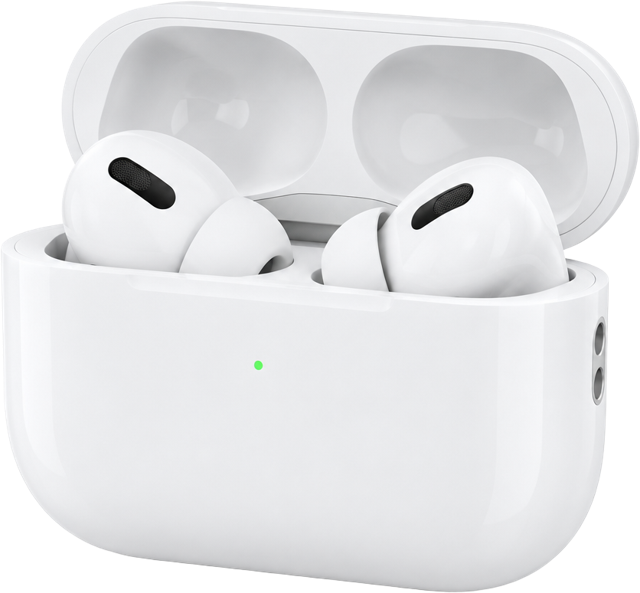
Case-open pop-up
Open the lid and an iPhone-style sheet slides up over any app, with one-tap Connect.
Live battery
Left, Right and Case levels with charging state, in the app, the pop-up and a live notification.
Noise Control tile
A Quick Settings tile that cycles ANC, Transparency, Adaptive and Off.
Ear detection
Take an AirPod out and playback pauses; put it back and it resumes.
Pro features
Conversation Awareness, Personalized Volume, head gestures and the Ear Tip Fit Test.
Find My chirp
Play a sound on a lost AirPod or AirTag and follow the proximity radar.
Live preview
Try it right here.
This phone is running iNA. Tap through onboarding, pull down Quick Settings from the status bar, or open the full simulator to fake a case opening, an incoming call and more.
Your Apple gear,
at home on Android.
Case-open pop-ups, noise control, ear detection and more — for AirPods, Beats, Apple Watch and AirTag. No root, no workarounds.
Takes about a minute · 4 permissions
How it works
A chameleon for your Apple gear.
Apple accessories speak a handful of Bluetooth protocols to iPhone. iNA speaks them too, from an ordinary Android app — four layers, all in user space.
- 01
Listen
Bluetooth LE · Company ID 0x004C · type 0x07
- 02
Talk
L2CAP CoC · PSM 0x1001 · AAP
- 03
Adapt
ORT / OTA dynamic rule engine
- 04
Surface
WindowManager · TYPE_APPLICATION_OVERLAY
Supported hardware
Every Apple accessory worth carrying.
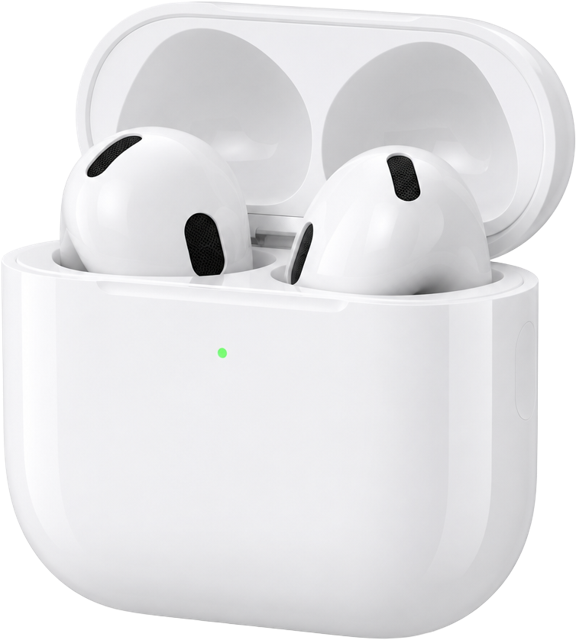
AirPods
AirPods 1 – 5
AirPods Pro
AirPods Pro 1 – 3
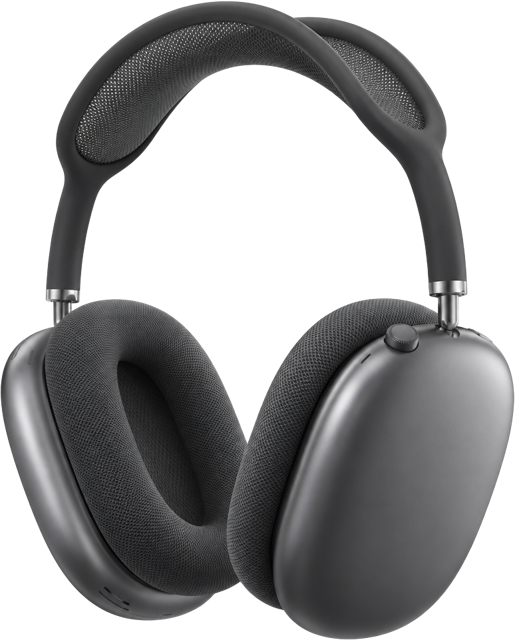
AirPods Max
AirPods Max 1 – 2
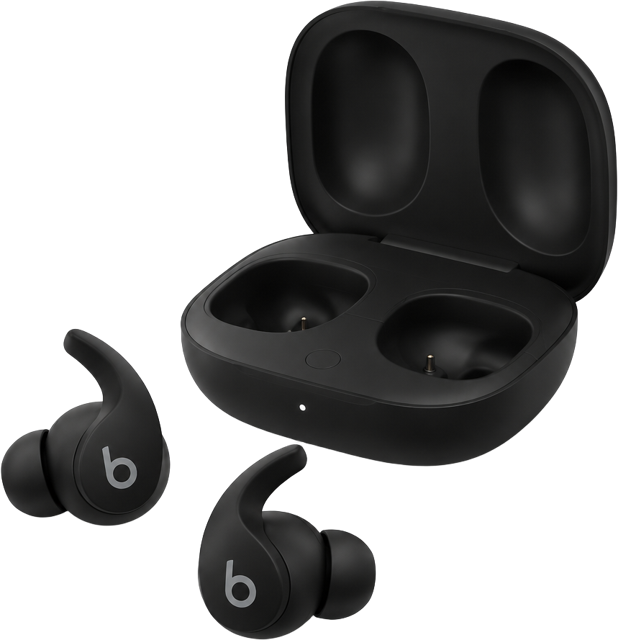
Beats
Solo, Studio, Fit Pro, Powerbeats
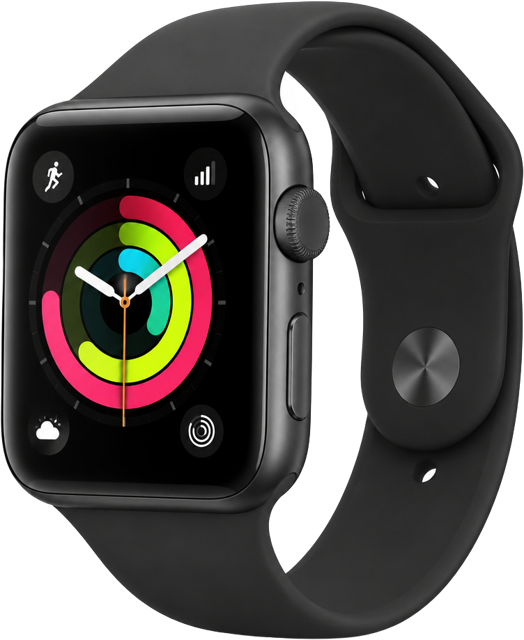
Apple Watch
Series 4 – 11 · SE 1–3 · Ultra 1–3
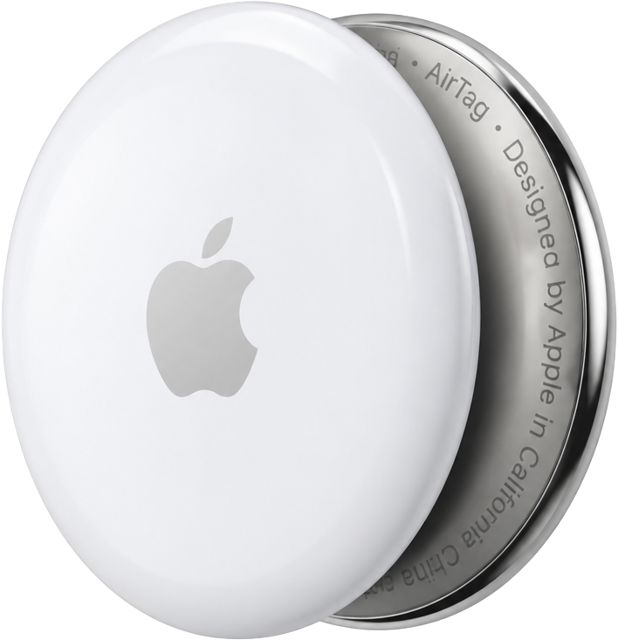
AirTag
AirTag 1 – 2
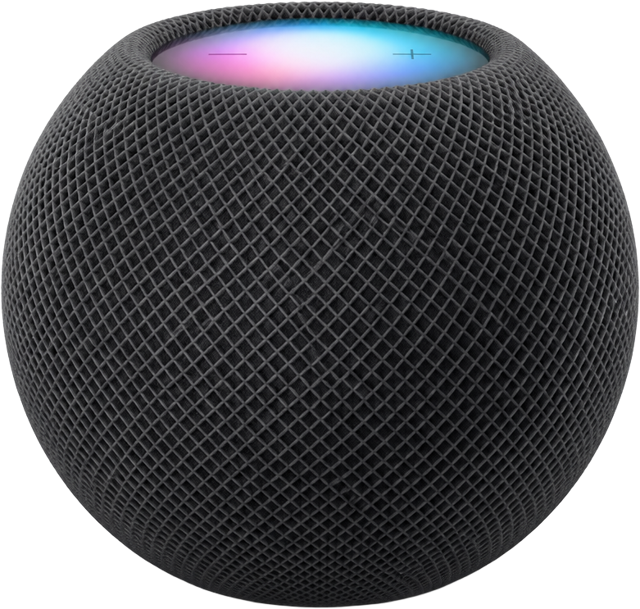
HomePod
HomePod & HomePod mini
Open source · Developer center
The whole app, in plain Kotlin.
Read every file in the browser, follow the build steps, or download the Android Studio project in one click. Contributions welcome.